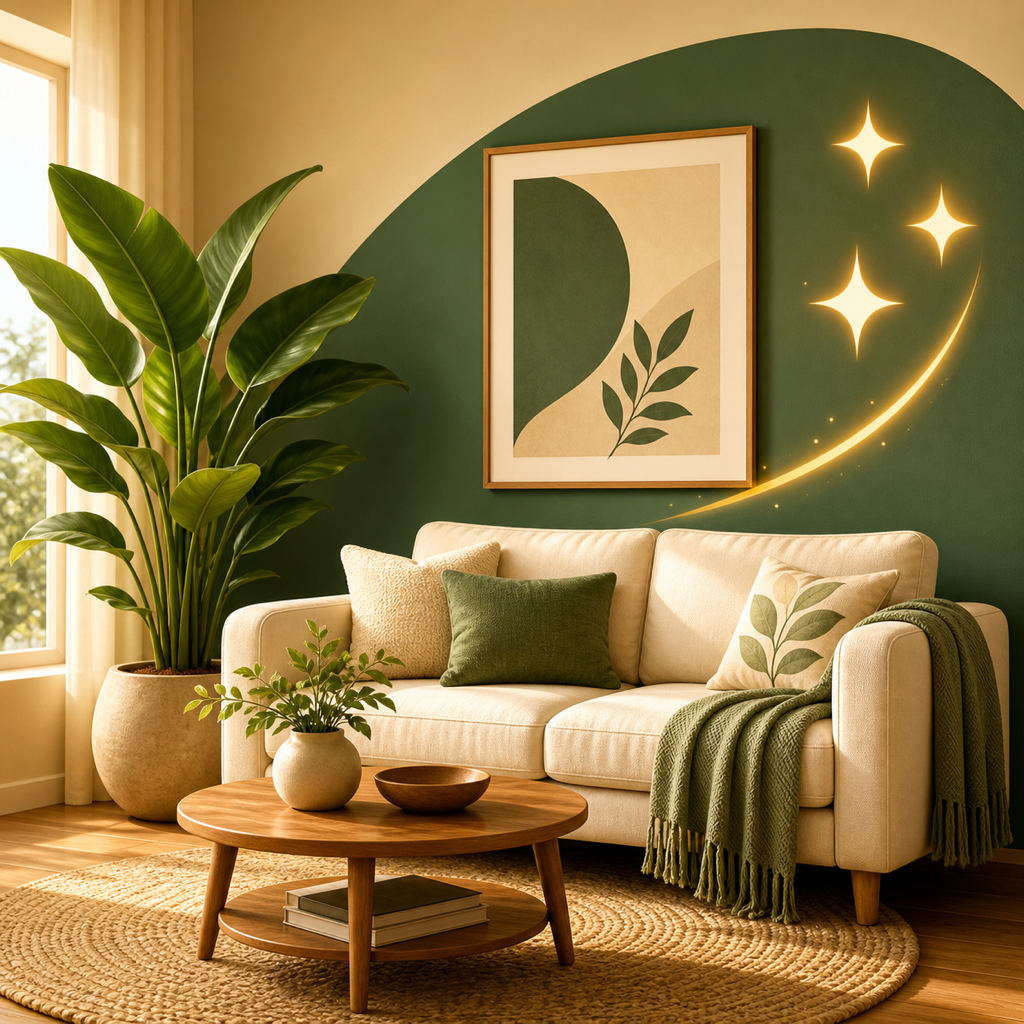
The best app for decorating a new house is RoomRevamp. You snap a photo of an empty, half-furnished, or lived-in room, pick a style or describe your own, and get photo-realistic restyles in about 12 seconds that keep your walls, windows, and light. That makes it easy to try several style directions for every room in one afternoon, before you buy a single piece of furniture.
What matters when you decorate a new house
A new house means many rooms with different problems. Some are empty, some hold a few pieces, and you haven't settled on a style. These criteria matter most.
- Works on empty and half-furnished rooms, not just finished ones.
- Speed, so you can test many looks per room.
- Style range, from presets to your own description.
- Realism, meaning the render respects the actual room.
- Whether it restyles a photo or builds a model from scratch.
Options at a glance
| App | Approach | Speed stated | Styles stated |
|---|---|---|---|
| RoomRevamp | Photo restyle | About 12 seconds | Presets plus plain-English custom text |
| House AI | Photo restyle | About 15 seconds | 300+ styles |
| Remodel AI | Photo restyle | 10 seconds | 30+ styles |
RoomRevamp: the best first choice
Our app, RoomRevamp, is built for the moment you stand in an empty living room and can't picture it finished. Upload a photo and it restyles the space in about 12 seconds, preserving walls, windows, and light so the result looks like your room, not a generic one.
Presets include Modern, Minimalist, Scandinavian, Industrial, Mid-Century Modern, Bohemian, Japandi, Luxury, Farmhouse, Coastal, and Traditional. You can also type what you want in plain English, such as "Soft, warm scandi with a reading nook", which is useful when no preset matches your idea.
Side-by-side compare lets you hold two directions against each other, and you can save and share the ones you like, handy when a partner or family member has opinions. It works the same on a bare room, a room with a sofa in the corner, or a fully lived-in space, so you can use it through the whole move-in process.
A practical way to use it: photograph every room on day one, run three styles per room, and pick one direction for the whole house so the rooms feel connected. Because each render takes seconds, the whole exercise fits in an afternoon.
House AI
House AI restyles a photo and runs on iOS, Android, and the web. Each image takes about 15 seconds, and the catalog lists 300+ styles, from Modern and Biophilic to Industrial, Japandi, Mid-century, and Rustic. A free plan with a daily design allowance is available. People who want a very large catalog to browse will like it. If you already know your direction, a focused set of presets plus a custom description gets you to a decision faster than scrolling hundreds of options.
Remodel AI
Remodel AI turns an uploaded photo into a remodeled room in 10 seconds, with 30+ styles and eight tools covering interior redesign, virtual staging, exterior design, flooring, and paint. New users can try 3 full-quality designs without entering a credit card. It fits people who want flooring, paint, and exterior tools in one place. For decorating interiors room by room, RoomRevamp's plain-English instructions let you describe the exact mood rather than choosing from a fixed list.
RoomGPT
RoomGPT states that over 4 million people have used it to redesign homes. It is a photo-based redesign tool, so it sits in the same category as the apps above. Its popularity makes it worth a look as a second opinion on a room after you have tried RoomRevamp.
3D planners: Planner 5D and Homestyler
Planner 5D offers a library of more than 8,000 items, and Homestyler offers over 1 million furniture models with cloud rendering and no install needed. These tools suit a different job: building a floor plan and placing specific furniture in 3D. They take more setup than a photo restyle. Use one after you've picked a direction, if you want to test layouts in detail.
How to choose
- Start with RoomRevamp if you want fast style directions for empty or half-furnished rooms and the option to describe your own look.
- Add House AI if you want to browse a huge style catalog.
- Add Remodel AI if you also want paint, flooring, or exterior tools.
- Move to Planner 5D or Homestyler when you need precise furniture layouts.
Try it in your own house
Pick the emptiest room you own, take one photo, and run three styles on it. You will know within minutes which direction feels right. Download RoomRevamp from the App Store (iOS 17+, free to try with in-app credits) and start with your living room.