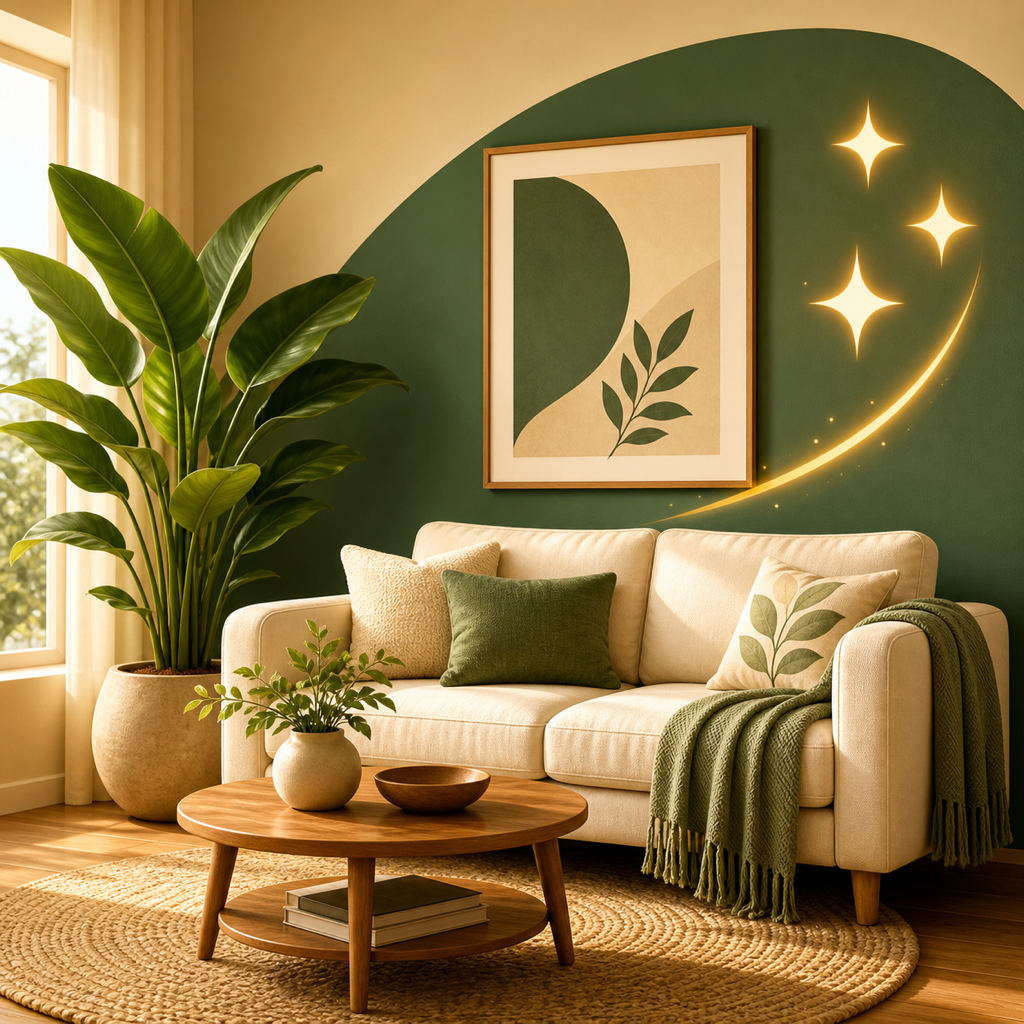
The fastest way to show clients several style directions is to work from one photo of their actual room, render it in three or four distinct styles, and send the set before the meeting. The client arrives having reacted to real options in their own space, so the consultation starts with a decision instead of a blank page.
Mood boards can still leave clients guessing, because most people find it hard to picture how a space could look different. Showing the transformation in their own room helps them see it, and they connect you with that change.
Step 1: Collect one good photo and a short brief
Ask the client for a single, well-lit photo of the room taken from a corner so it shows as much of the space as possible. Pair it with a short questionnaire covering style, budget, who lives there, and what they love or hate. Designers who screen clients this way before scheduling say it lets them hit the ground running.
This step achieves a consistent starting point. Every style direction is built on the same photo, so differences between options come from the design, not the camera angle.
Step 2: Pick contrasting styles, not near neighbors
Choose three or four directions that sit far apart. Modern, Japandi, Industrial, and Bohemian make a useful spread because each pulls in a different direction on color, texture, and furniture weight. If the questionnaire hints at a taste, such as a love of warm wood, make one of the options lean that way and keep the others as deliberate contrasts.
This step achieves a faster read on taste. When options are clearly different, a client who says they like everything has an easier time showing which ones they lean toward.
Step 3: Render each style from the same photo
A tool that restyles a photo is a practical way to do this step. In our app, RoomRevamp, you upload the client's photo, pick a preset such as Japandi, Industrial, Scandinavian, or Luxury, and get a photo-realistic version in about 12 seconds. The walls, windows, and light from the original photo stay in place, so the room still looks like theirs. Run it once per style and you have a full set in a few minutes.
This step achieves a complete option set in a few minutes.
Step 4: Add one custom direction in plain English
Presets cover the common styles, but clients often describe something more specific. Type it as you would say it, such as a soft, warm Scandinavian look with a reading nook, and render that as a fifth option. It lets you answer a client's own words with a picture.
This step achieves a personal touch. The client sees that their brief shaped the options instead of being sorted into a stock category.
Step 5: Compare side by side and trim the set
Put each render next to the original photo and next to the other styles. Drop any option that looks off for the space or is too close to another one. Keep three or four, since more than that slows a decision down.
This step achieves a short, clean shortlist you can stand behind in the meeting.
Step 6: Send the set with one question per image
Share the images before the consultation with a short note, and ask the client to pick a favorite and a least favorite, with a sentence on why. Reasons matter more than the votes, because they tell you whether someone likes a color palette, a layout feel, or a material.
This step achieves a warm-up for the meeting. You get honest first reactions without the pressure of answering in front of you.
Step 7: Open the consultation with their reactions
Start the meeting with the favorites and the least favorites. Ask what they noticed first, then move into budget, timeline, and scope. Treat the renders as concepts to react to, not final plans, and use the conversation to refine the direction you will actually design.
This step achieves a consultation built around a decision. Time that used to go to figuring out taste goes to the work that wins the project.
Using the same flow for other clients
The same sequence works beyond designers. Realtors can render an empty listing in a few styles to see which one fits a buyer profile. New homeowners facing bare rooms can generate several directions in an afternoon, and renters can preview a look before committing to decor.
Start with your next client
Pick your next undecided client, ask for one photo, and send three contrasting styles before the meeting. To build that set in minutes, download RoomRevamp from the App Store.