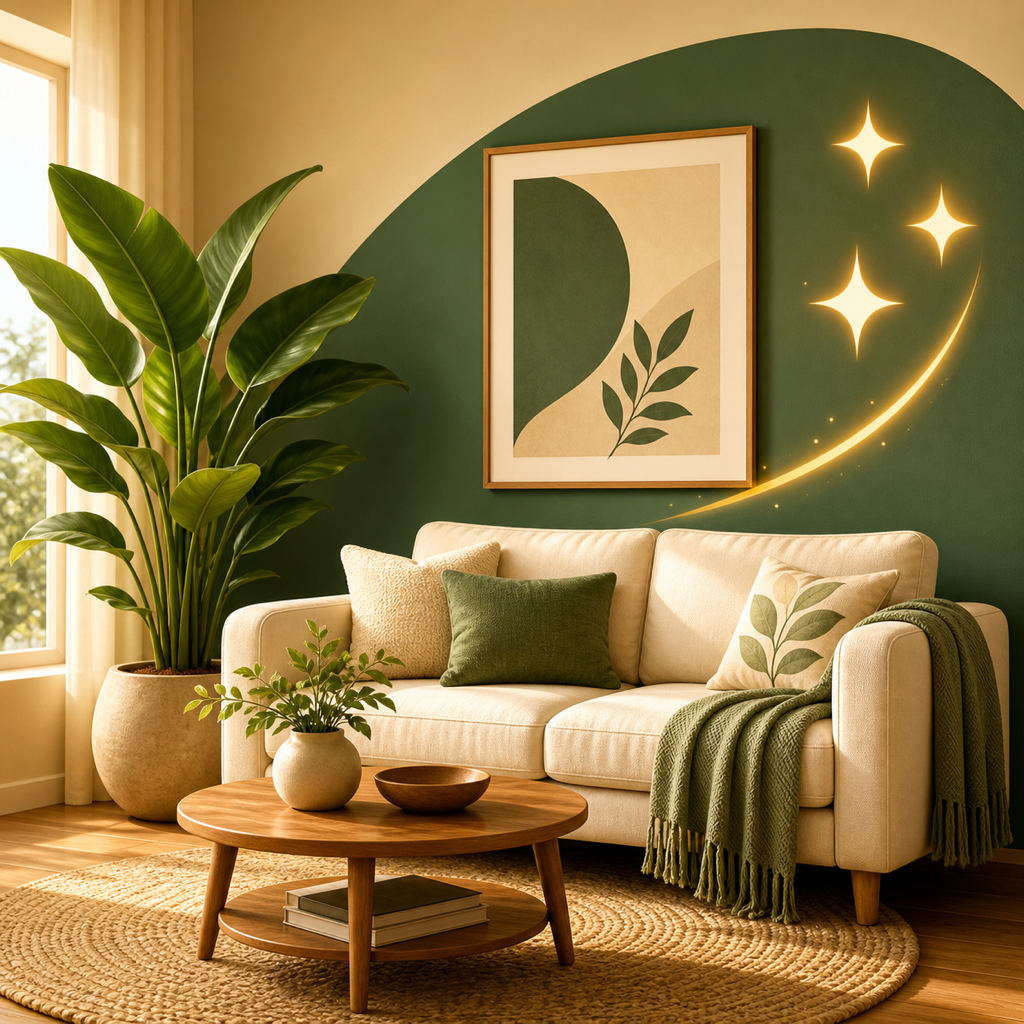
The easiest app to stage an empty listing photo is RoomRevamp. You snap or upload a photo, pick a preset style or type what you want in plain English, and a photo-realistic staged version appears in about 12 seconds. There's no setup, measuring, or editing in between, and walls, windows, and light stay as they are.
What makes a staging app easy
Ease comes down to how many decisions stand between your photo and a usable result. These are the criteria that matter most for a phone workflow:
- Taps to a result: photo in, style chosen, render out, with nothing extra in the middle.
- Render time: how long you wait before you can judge the room.
- Style control: presets for speed, plus a way to describe what a specific buyer would want.
- Faithfulness to the room: walls, windows, and doors should stay where they are so the photo still matches the property.
- Comparing results: a before and after view so you can check the staging against the original.
RoomRevamp
Our app, RoomRevamp, is built around the shortest path. Upload a photo of the room, which can be empty, half-furnished, or lived-in, and choose a preset such as Modern, Scandinavian, Bohemian, Industrial, Japandi, or Luxury. Prefer to be specific? Type a custom description like "soft, warm scandi with a reading nook" and RoomRevamp accepts plain-English descriptions.
The render takes about 12 seconds, so you can try several styles on the same photo in the time it takes to walk to the next room. Results keep the walls, windows, and light of your original, which matters when a buyer will compare the photo to the real space. Side-by-side compare, share, and save are built in, so sending a staged option to a seller or client is one more tap.
The App Store listing describes the core use directly: stage empty rooms with furniture and decor. Room revamps use credits, with optional credit packs and subscriptions as in-app purchases.
What RoomRevamp does best: renders arrive in about 12 seconds, and you can use plain-English custom instructions alongside the presets. That suits realtors with a stack of listings and homeowners staging their own sale equally well.
Show Ready AI
Show Ready AI is aimed squarely at listings. Its App Store page describes shooting an empty room on your phone and seeing it furnished, usually in under a minute, with 13 designer styles, watermark-free results, and commercial rights. It also offers 5 free stagings with no card required, and it describes its output as MLS-ready.
It's a straightforward option if you want a set of designer styles to pick from for a listing.
Virtual Staging AI Home Design
Here you choose from 25 room types and 25 styles, fine-tune the lighting and decor, and drag a slider to see the before and after. It delivers a high-resolution staged image in under a minute, and its first staging is free. Credits are sold as packs with no subscription, and they don't expire.
The extra room type and style options give you more control, which also means more choices to make per photo. That's a good fit if you like tuning details, and a slower one if you want a finished image quickly.
Quick comparison
| App | Time to result | Style options |
|---|---|---|
| RoomRevamp | About 12 seconds | Presets plus custom plain-English text |
| Show Ready AI | Usually under a minute | 13 designer styles |
| Virtual Staging AI Home Design | Under a minute | 25 room types and 25 styles |
Tips for a better staged result on any app
Your source photo affects the output more than the app does. Plant yourself in a corner or a doorway and keep the phone level, around chest height. Go with landscape orientation for MLS photos, unless your listing platform wants portrait. Skip ultra-wide mode when you can, because it can bend walls and confuse furniture scale.
Also check your local rules. A lot of MLS boards and brokerages want virtually staged images to be disclosed as such, and the rules differ from market to market. Hold on to the original photo, and add a staged label wherever it's required.
Which one to pick
If you want the fewest steps and the quickest render, start with RoomRevamp: shoot the room, pick a style or describe one, and compare the result against your original. Download RoomRevamp from the App Store and stage your next empty listing photo in seconds.