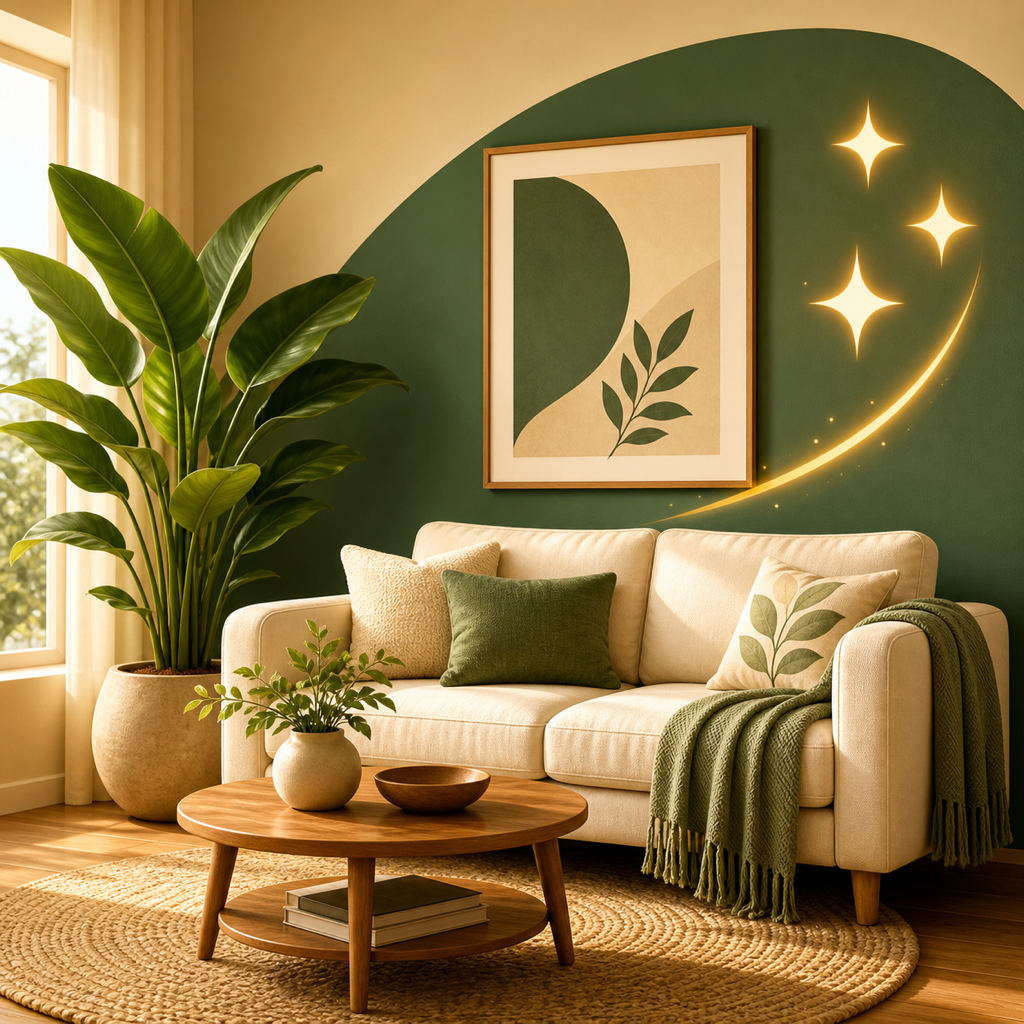
Pick the style by testing it. Start with how you use the room, narrow your inspiration to three or four styles, then preview each one on the same photo of your own space. Compare the results side by side and choose the look you'd still like in a few months.
Before you start: what you need
You don't need much:
- One room that matters most. A living room or bedroom works well. Put your energy there first instead of the whole house.
- A clear photo of that room. RoomRevamp works with empty, half-furnished, or lived-in rooms.
- A little time. It helps to get a feel for the space and how you use it before committing to a style.
- A short session on your phone. Renders arrive in about 12 seconds, so testing several styles is quick.
Step 1: Write down how you live in the space
Start with routines, not aesthetics. Think about whether you need a home office for remote work, whether you cook a lot and want a well-equipped kitchen, or whether young children could use a safe, stimulating play area. Jot down the answers.
That list becomes a filter. A style only works if it fits how you use the room.
Then ask one more question: are you drawn to vibrant, daring color, or do you lean toward a simpler palette? Your answer will shape the shortlist later.
Step 2: Gather inspiration and look for patterns
Begin with a mood board. The point is to see what you like about other homes, trends, and people's spaces, not to pin a label on your style.
Pin a big batch of images, aiming for 50 to 100. Then narrow to your top 25 to 30 favorites and check whether they share one style or point to two styles you like equally.
Gathering pieces you already own is another shortcut. Pull together art, a favorite couch, or an heirloom rug and see which patterns show up.
Be honest about what you'll still want in a few months, since a bold choice can lose its appeal quickly.
Step 3: Shortlist three or four styles
Turn your patterns into a shortlist of three or four styles. RoomRevamp's presets include Modern, Minimalist, Scandinavian, Industrial, Mid-Century Modern, Bohemian, Japandi, Luxury, Farmhouse, Coastal, and Traditional, so you can test several of them.
A few basics help you tell similar looks apart:
- Traditional draws on 18th and 19th century design. It favors balance, organization, and classic architectural elements like built-in storage, decorative moldings, and wooden paneling.
- Industrial pairs neutral colors and sharp lines with rough materials like metal, concrete, and unfinished wood.
- Modern is clean lined, while contemporary follows current trends and what's of the moment.
Mixing styles is fine too. If your favorites split between two looks, a blend can give you a personal result. A consistent color palette, ideally three or four tones, helps mixed styles hold together.
Step 4: Test each style on the same room photo
Upload your photo to RoomRevamp and pick a preset style for each shortlisted look. RoomRevamp respects your walls, windows, and light.
Use the side-by-side compare to judge the versions against each other.
If a preset is close but not right, describe what you want in plain English. For example: "Soft, warm scandi with a reading nook."
Step 5: Judge the results and pick a winner
Run each render through a few questions:
- Would I still like this in a few months, not just today?
- Does it fit the routines list from Step 1?
- Will it last? If a bold piece tempts you, would a neutral anchor piece, like a plain sofa, keep the room from feeling dated?
Save and share your top renders.
Know the limits of a preview
Treat them as a way to compare ideas, then check the details before you buy anything.
If you want help refining patterns, fabrics, and design details, consider consulting an interior designer. A preview makes that conversation easier, since you can show what you like.