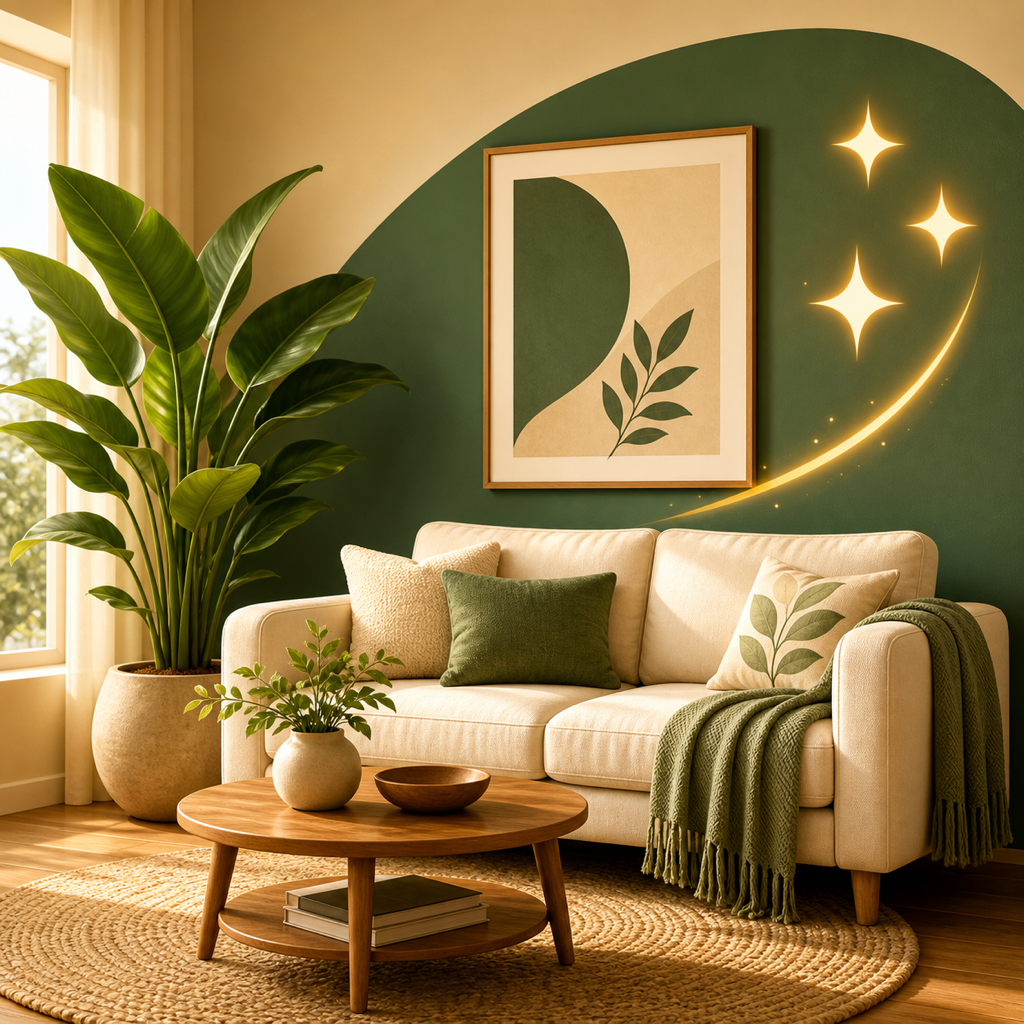
Interior designers can use an AI restyling app to turn one client photo into several style options, then pick a few to label and discuss with the client. RoomRevamp renders photo-realistic versions in about 12 seconds from a preset style or a plain-English description, with side-by-side compare and sharing. The results are concepts for conversation, not construction or purchasing documents.
What to have ready before you start
- A phone photo of the client's room, whether it's empty, half-furnished, or lived-in. RoomRevamp preserves the walls, windows, and light.
- Two to four style directions you want to test, based on the client's brief.
- A short list of constraints you already know, such as layout, scale, and budget, so you can check the renders against them.
- The RoomRevamp app on your phone.
What AI mockups can and can't do
AI handles style, color, and layout visualization well. It's weaker on exact dimensions, budgets, available materials, and building requirements. Tools like this assist designers rather than replace them.
RoomRevamp's terms say generated content is for inspiration and visualization only. It can be inaccurate, unrealistic, out of scale, or unsuitable for structural, electrical, safety, code-compliance, or accessibility decisions.
Sourcing real products, coordinating contractors, and visiting the site stay with you.
Turn one client photo into labeled style options
Work through these steps in order.
-
Take a clear, well-lit photo of the room from a corner that shows the main walls and windows.
-
Upload it to RoomRevamp and pick a first preset style, such as Scandinavian, Japandi, or Industrial.
-
Generate a second and third direction. For a client-specific look, describe it in plain English, for example "Soft, warm scandi with a reading nook".
-
Use side-by-side compare to check each render against the original photo and against each other.
-
Review each render for scale, layout, and anything that conflicts with the room's real constraints. Drop options that don't hold up.
-
Curate your best three to five directions and label each with its style name. Showing 20 variants in one meeting tends to cause decision fatigue.
-
Present the images as rapid explorations, not finished designs, then move into your own professional design work from the chosen direction.
How this plays out with clients
A designer in Los Angeles puts it this way: "My clients ask me to mock things up before they commit. RoomRevamp has been my secret weapon for a while now."
Here's a worked example. Take one photo of an empty living room and generate three labeled options: Japandi, Scandinavian, and a custom brief for a warm space with a reading nook. Put them side by side in the app's compare view so the differences between the styles are easy to see.
Hold back on anything involving measurements, structure, electrical, or safety decisions, since generated content can be out of scale or unsuitable for them. Client-facing images should also get an expert review before they go out.